6-2-7. Replacing Control Box
When the PCBs inside are replaced, use GTService Tool to readjust firmware controls. Prepare a voltmeter (tester) and a thermometer and refer to the pages concerned.
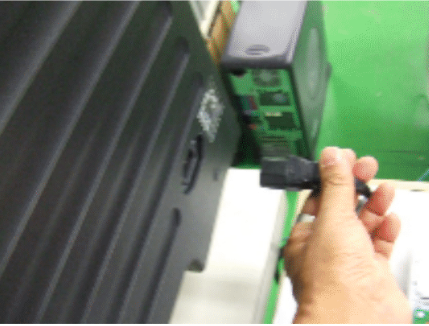
(1) Remove Power code.
(2) Remove Operation Panel.
Remove 4 screws at both sides.
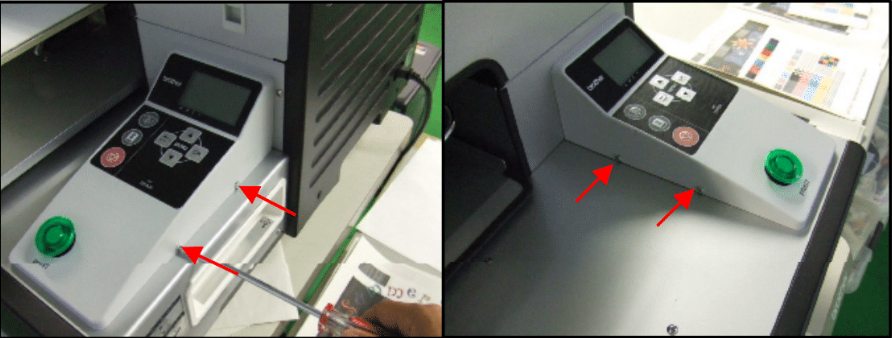
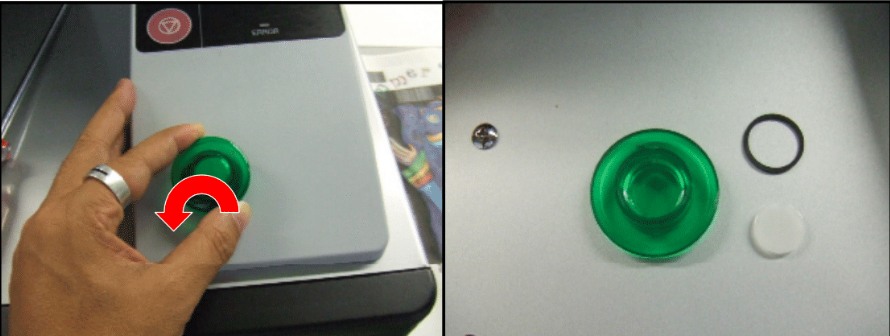
Unscrew the Print SW counterclockwise. Do not miss the black rubber ring inside.
Disconnect FFC Harness of CN4:PANEL and CN2:PRT SW and remove Operation Panel.
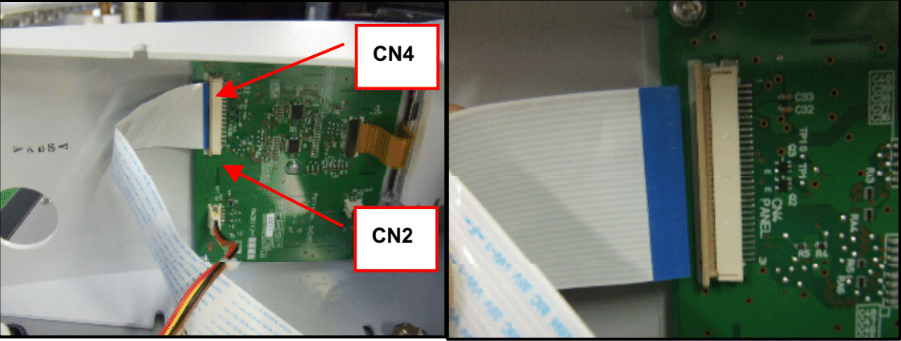
Confirm the direction of insertion and the lock/unlock mechanism.

(3) Remove covers.
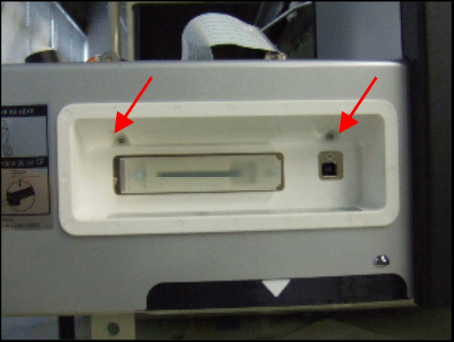
Unscrew 2 screw of CF cover.
Remove Frame Front Cover. (Remove 3 rubber caps and unscrew 7 screws.)
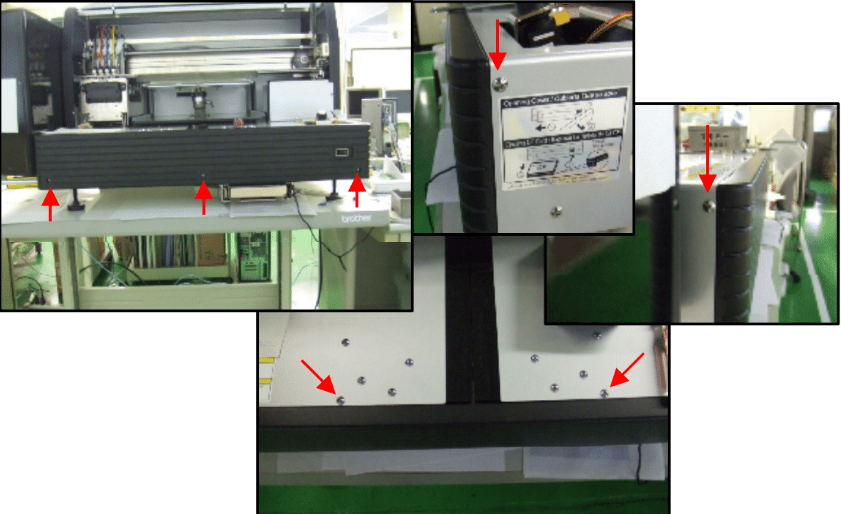
Unscrew 6 screws and remove Frame Cover (Right).
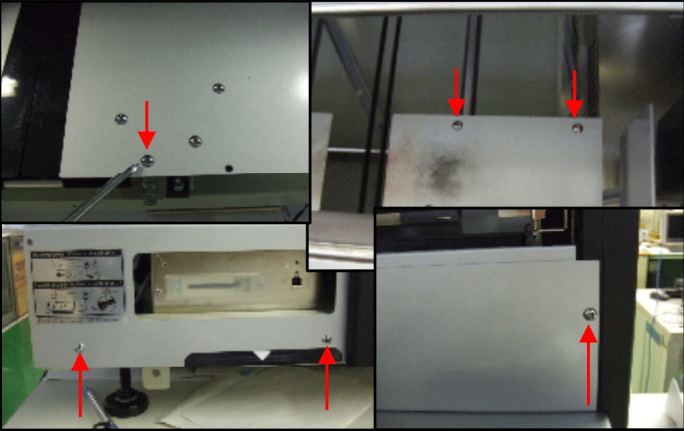
(4) Remove Box cover.
Unscrew 4 screws.

Remove the clamp and pull out the cover.
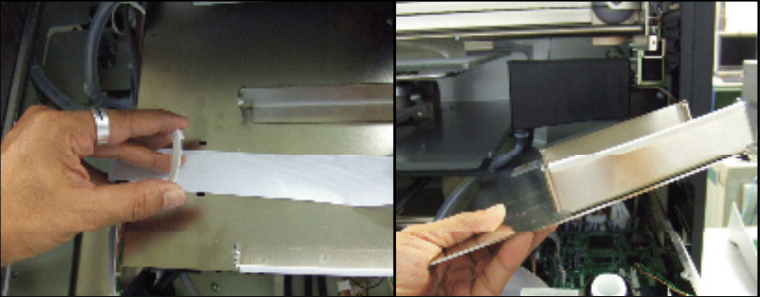
<Note>
Do not soil FFC connectors with grease nor damage. Do not touch connectors with bare hands.
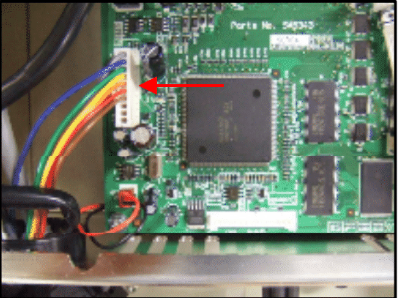
(5) Disconnect Harnesses on Main PCB.
Disconnect Harness CN4: CR MOT&JAM