REASONS AND SOLUTIONS:
1. One or more LED Ink lights are solid and the printer thinks it is out of ink
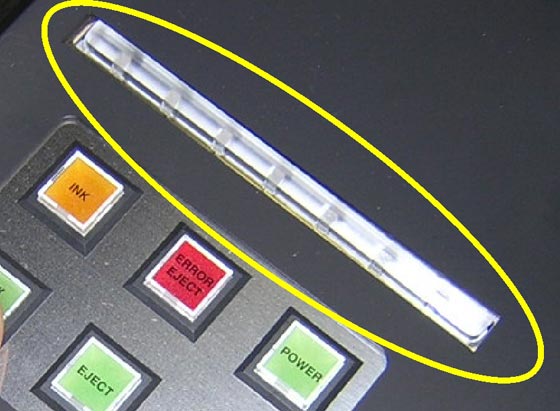
**Power off the printer and unplug to reset ink chips.
2. Computer resources are not adequate
**Seven color process should have at least a Pentium 3 or higher, 512 MB RAM, Windows 2000 or higher **RIP Pro should have at least a Pentium 4 or higher, 1 gig RAM, Windows 2000 or higher Prevention: The more powerful a computer the better.
3. USB cable may be too long
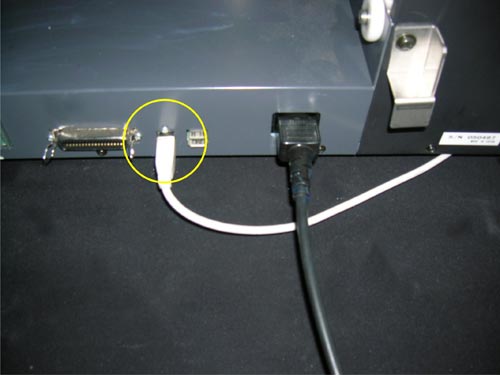
**Standard USB cable should not be longer then 10 feet.
4. Image file may be corrupt
**Try a different image to determine that the image in question is the problem.