Reasons and Solutions:
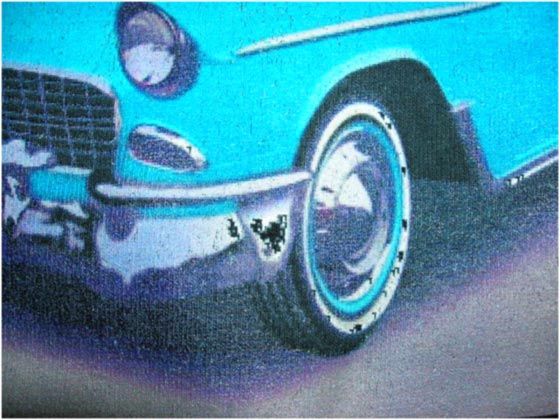
1. The color values for the effected pixels are 100% white like the background
**Use your graphic program to select any pixels other than background and make them a 1% cyan. RIP Pro can then distinguish between background that is not suppose to print and white areas of the image that should print.
Prevention: Prepare all designs for RIP Pro software.