1
Print Sheets
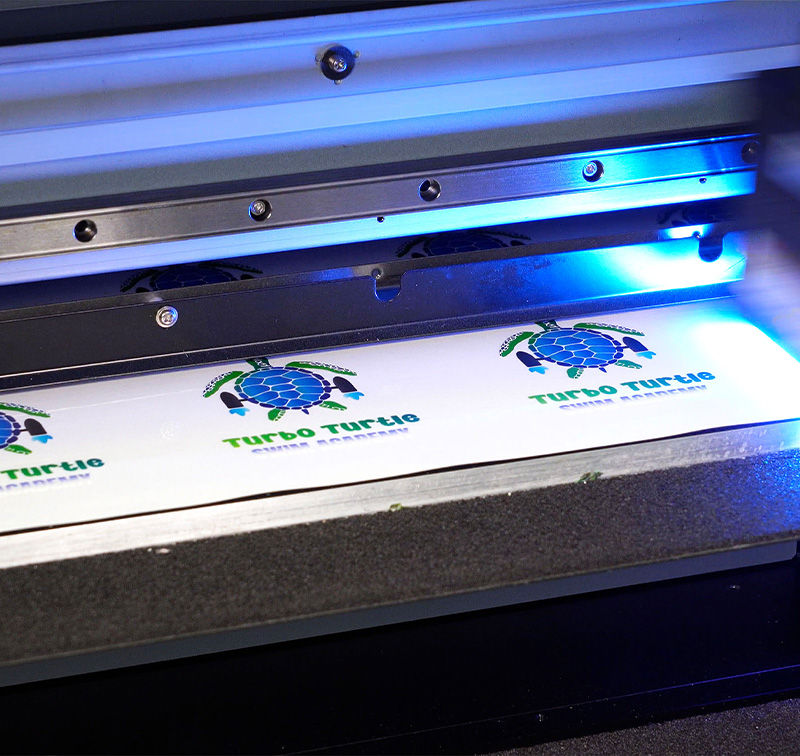
Print your artwork onto a UV DTF print sheet using a compatible UV printer and the correct ink set for your model.

Roland DGA’s UV DTF Transfer System makes it quick and easy to apply stunning pre-printed UV ink graphics to irregularly shaped objects that are difficult or impossible to print on directly, or not suitable for regular vinyl decals. With our UV DTF Transfer System, decorating even ornate items, including those with uneven surfaces, rounded corners, and extended lips or edges, is simple. Plus, the process requires just a few steps, so anyone, even those with no printing experience can customize or personalize just about anything.

The UV DTF process allows you to print vibrant UV graphics and transfer them onto objects that cannot normally be printed directly. With the right printer, transfer materials, and inks, businesses can decorate curved, textured, and irregular surfaces with ease.

Specialized printable sheets used to create UV graphics before transferring them to the final object.

Adhesive transfer film used to lift the printed UV design and apply it cleanly onto the target surface.

High-performance UV inks such as V-BOND or EUV5 deliver durable, vibrant graphics with strong adhesion.

Works with Roland VersaOBJECT MO Series, CO-i Series, and VersaSTUDIO BD Series UV flatbed printers.
The UV DTF transfer process expands what your UV printer can decorate. By printing graphics onto UV DTF print sheets and transferring them with specialized transfer film, businesses can apply high-quality UV graphics to curved objects, uneven surfaces, and products that are difficult or impossible to print directly.
This workflow is ideal for customization businesses, promotional product shops, and print providers looking to expand personalization capabilities across a wide range of items such as drinkware, electronics, sports equipment, and decorative accessories.
Note: VersaOBJECT MO Series and CO-i Series printers can use either V-BOND or EUV5 inks for UV DTF applications. VersaSTUDIO BD Series printers use EUV5 inks only.A simple, repeatable workflow to decorate curved and irregular surfaces without direct-printing.
Print your artwork onto a UV DTF print sheet using a compatible UV printer and the correct ink set for your model.
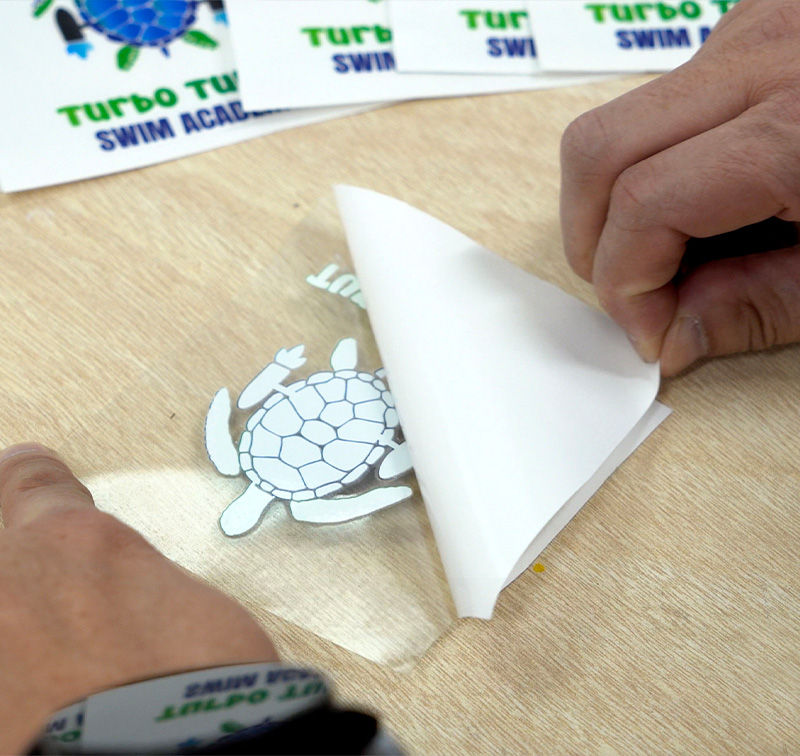
Overlay transfer film, squeegee for contact, then peel from the backer to lift the printed graphic.
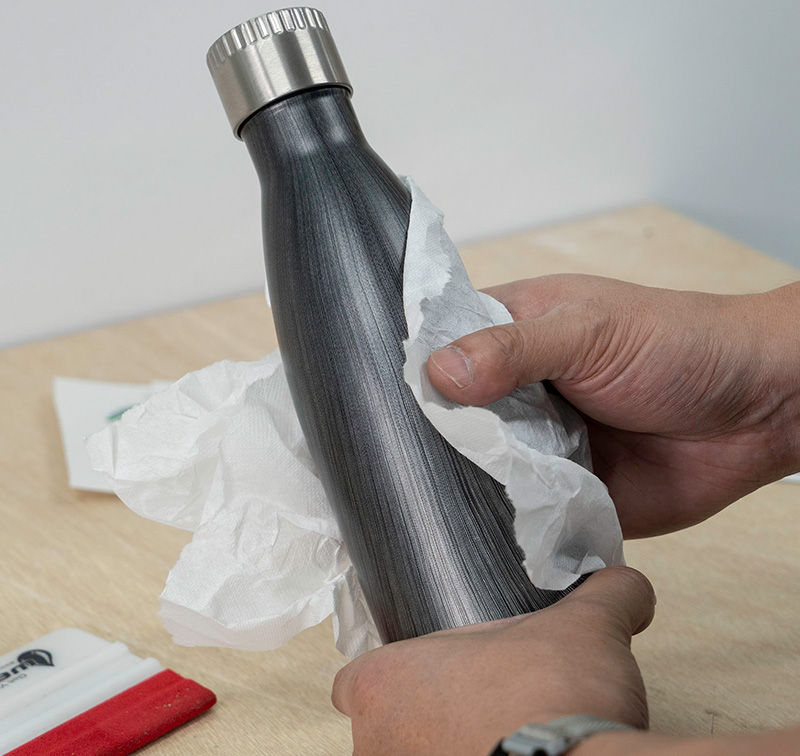
Clean and dry the surface thoroughly. Oils, dust, and residue reduce adhesion and can cause edge lift.
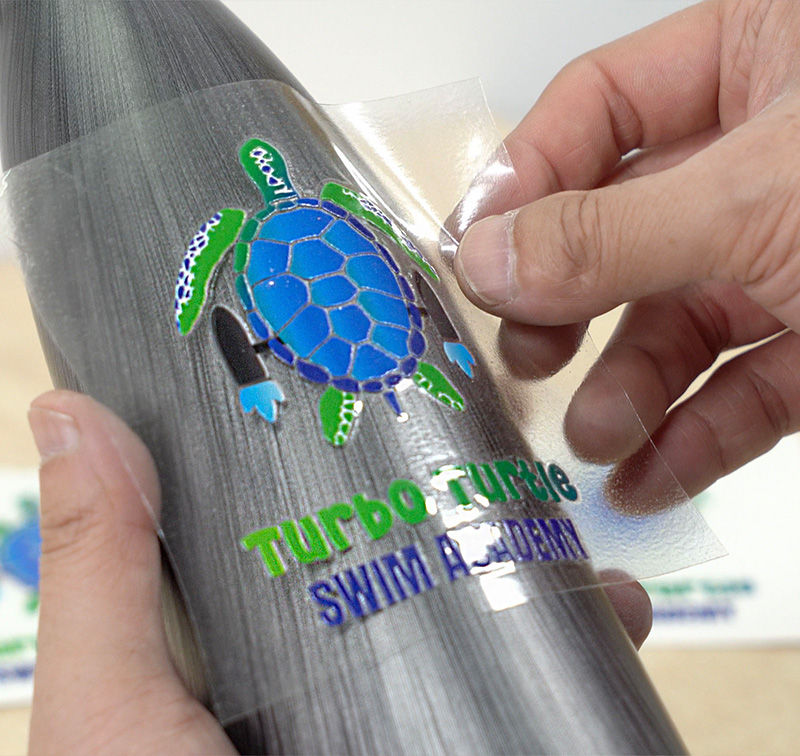
Position the graphic and apply light, even pressure to bond the transfer to the object’s surface.
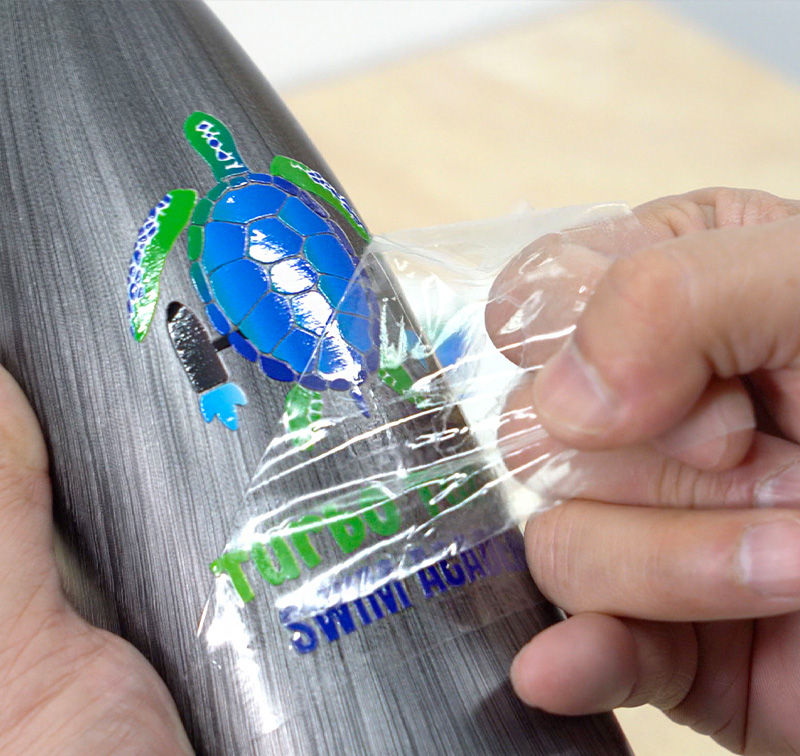
Peel slowly to reveal the finished graphic. For tight curves, a little heat can help around edges.
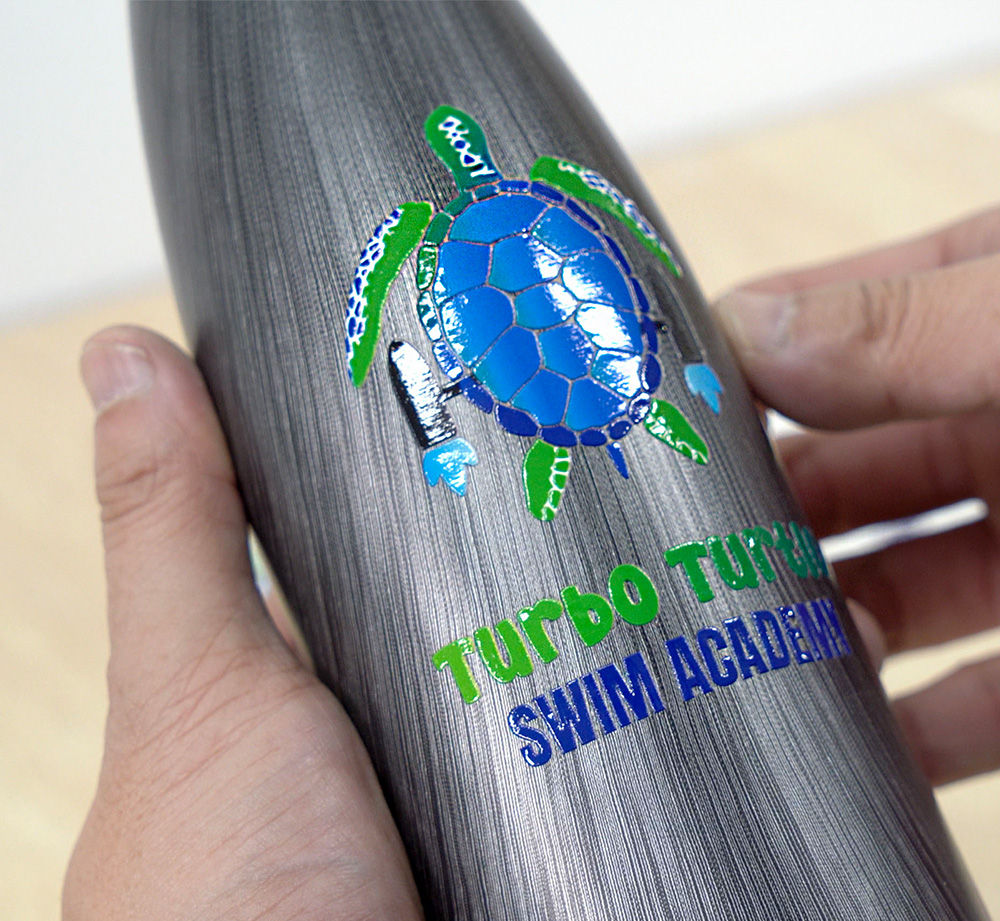
A durable, high-detail UV graphic applied to a surface that’s difficult to print directly.
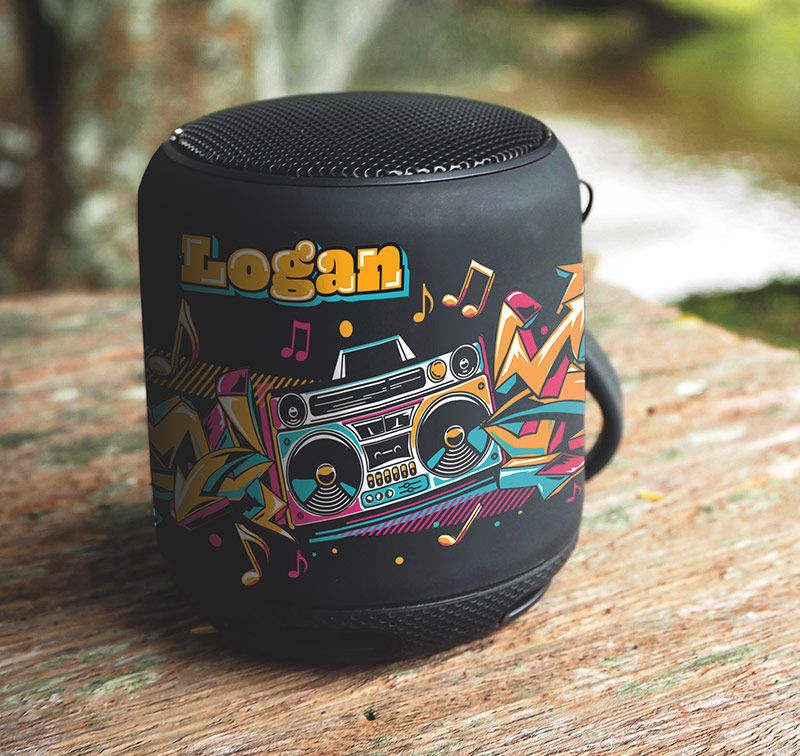
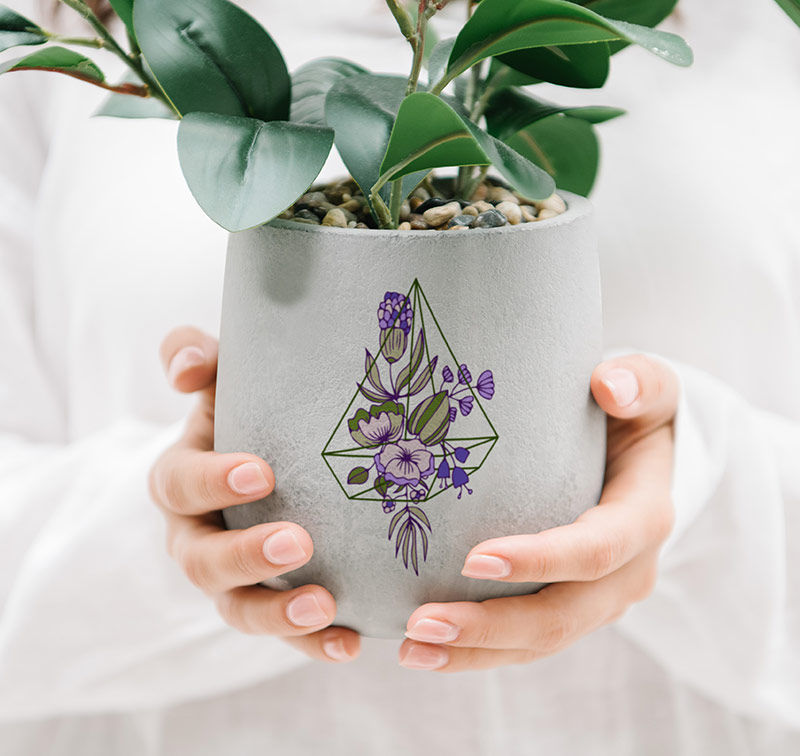
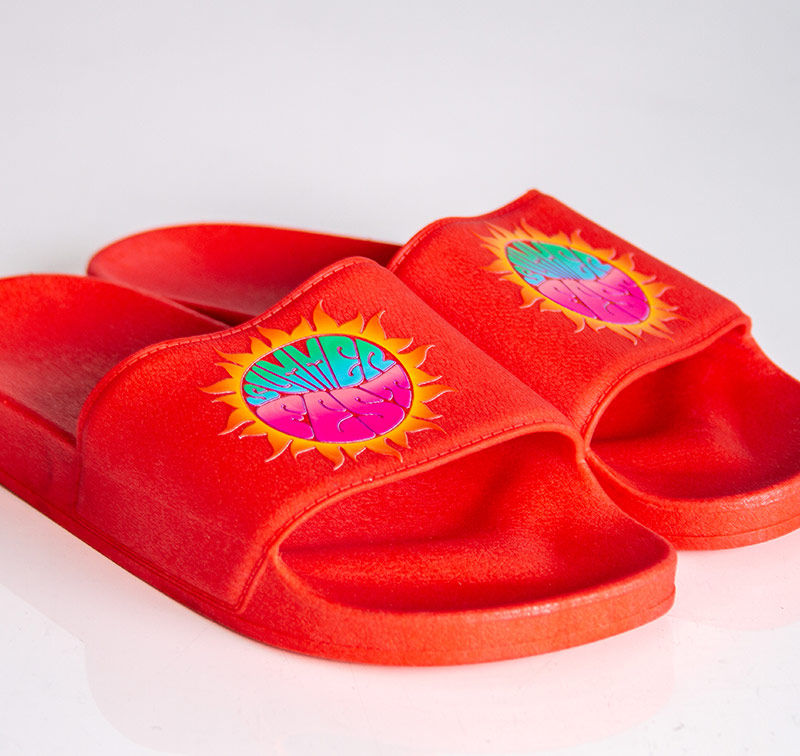
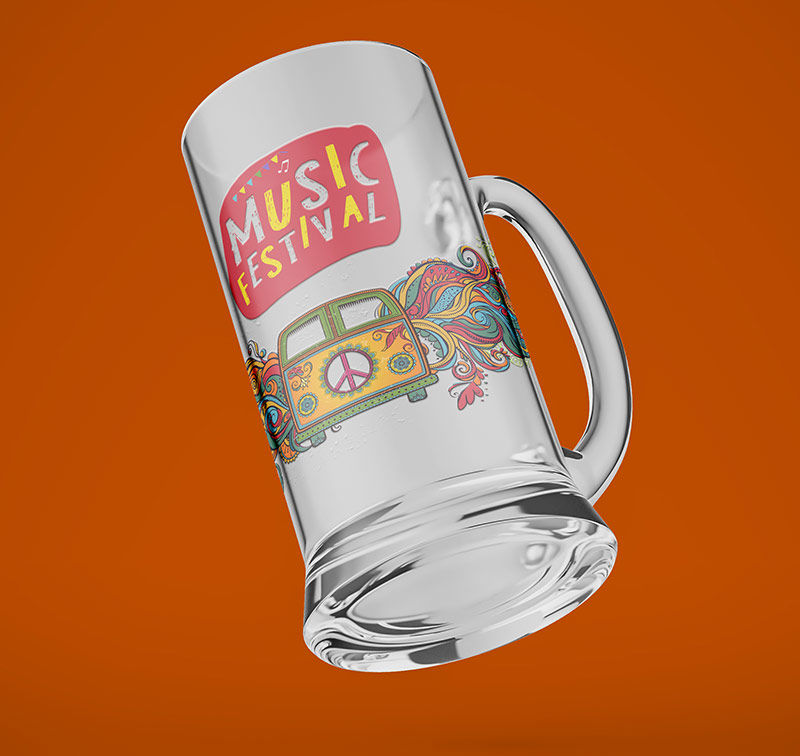
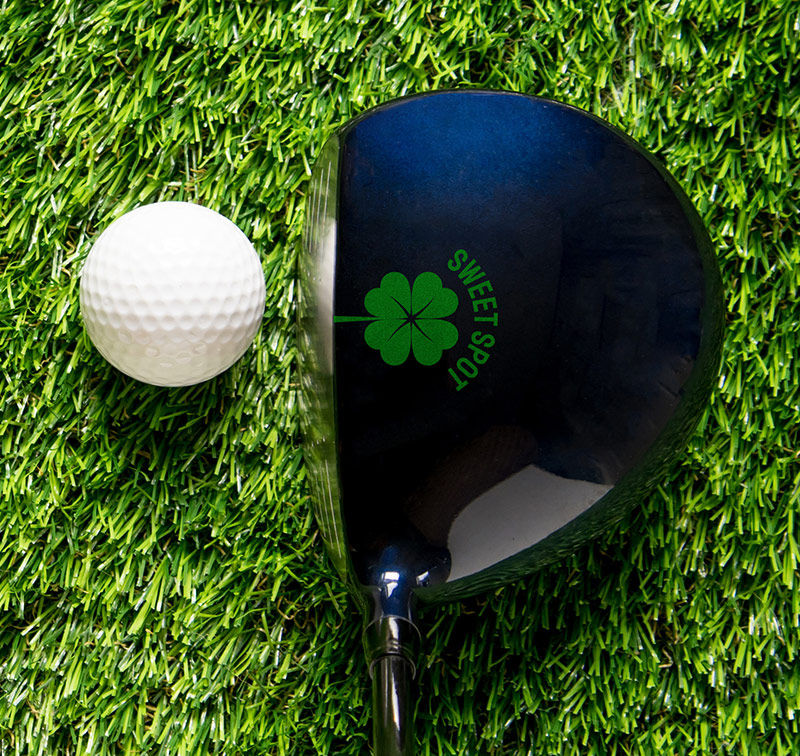
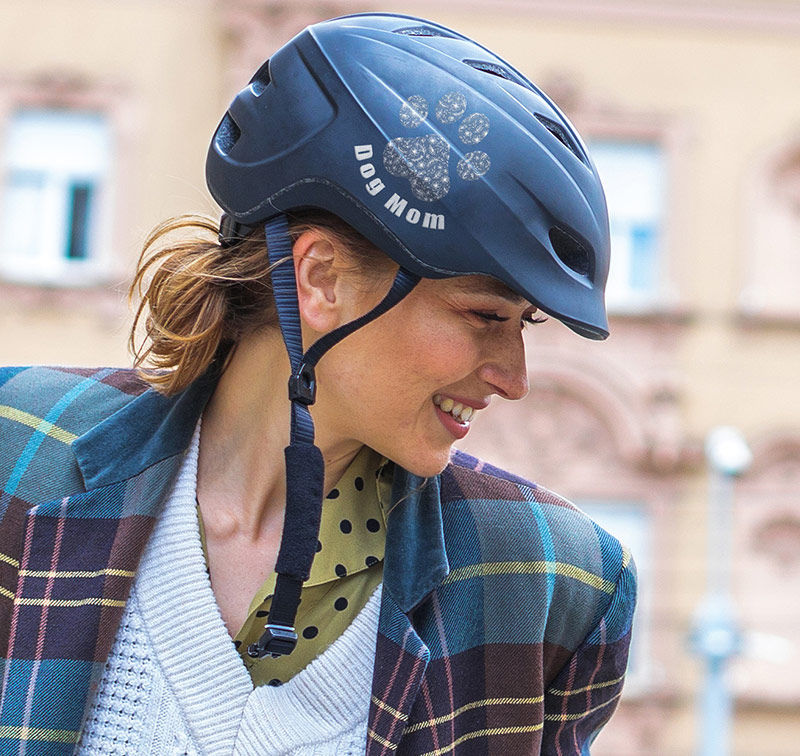
UV DTF transfers make it easy to apply high-impact graphics to curved, textured, and irregular surfaces. Below are a few popular product categories where UV DTF helps shops expand capabilities and increase margin.
Images are for inspiration only. Always test your substrate for adhesion and durability before production runs.
Loading form...