
Wear the t-shirt on the platen
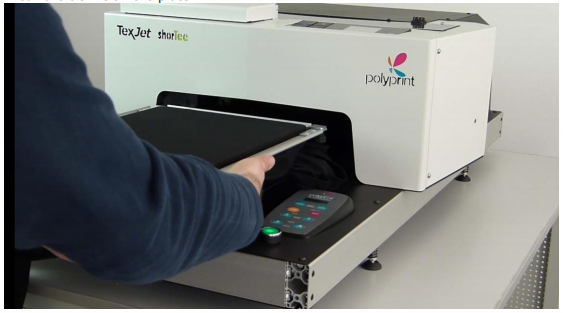
Press the Check button
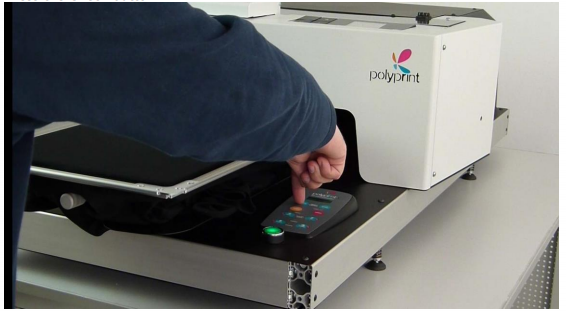
Turn on the height lever (8) clockwise to adjust the appropriate height

When the Red Limit height indicator (4) turns ON, lower the platen by turning counterclockwise
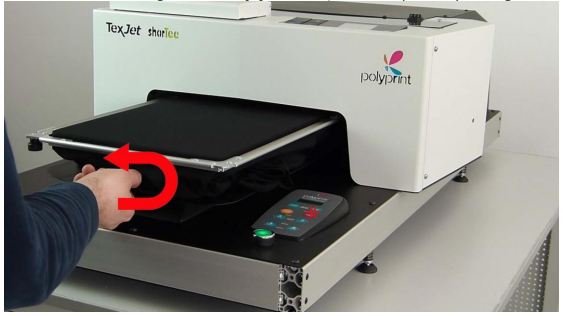
When the red height limit indicator is OFF then the table has the correct height. Turn the level a little bit more (since it is a micro adjustment) to ensure the passage through the sensors.

Press the scan button to check all the surface of the platen If the surface is even then the table will go to home position ready to print
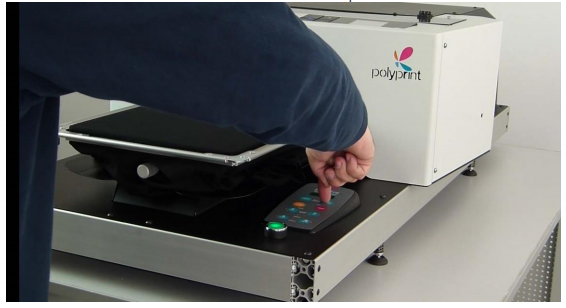
If the surface is even then the table will go to home position ready to print.
Recent Articles

ROLAND QUICK TIPS- How to Three-Layer Print with White Ink Using a TrueVIS LG or MG Series Printer
Subscribe to Media Posts
Recommended for You


